Choose the right download
For Pixery’s Mythic Survivors, use Google Play for Android ↗ (opens in a new tab) or the App Store for iPhone and iPad ↗ (opens in a new tab). The developer’s game website ↗ (opens in a new tab) links to both. The Android identifier is com.pixery.mythicsurvivors, and Apple’s app ID is 6775568333.
- Choose your device’s store above.
- Compare the developer with Pixery Bilgi Teknolojileri and the identifier with the one above. A matching title alone leaves the game’s identity unresolved.
- Read your store’s compatibility and regional availability before installing. Use the update shown for your device, since store versions can differ.
- If you arrived through a mod search, read the installation distinction below before replacing your existing app.
Mythic Survivors is a free-to-play, class-based 3D roguelite with chapters and Rift battles. The Google Play listing discloses ads and in-app purchases. This page combines the stores’ identity details with the third-party installer’s own description to help you choose an installation route.
Recognize the Pixery game
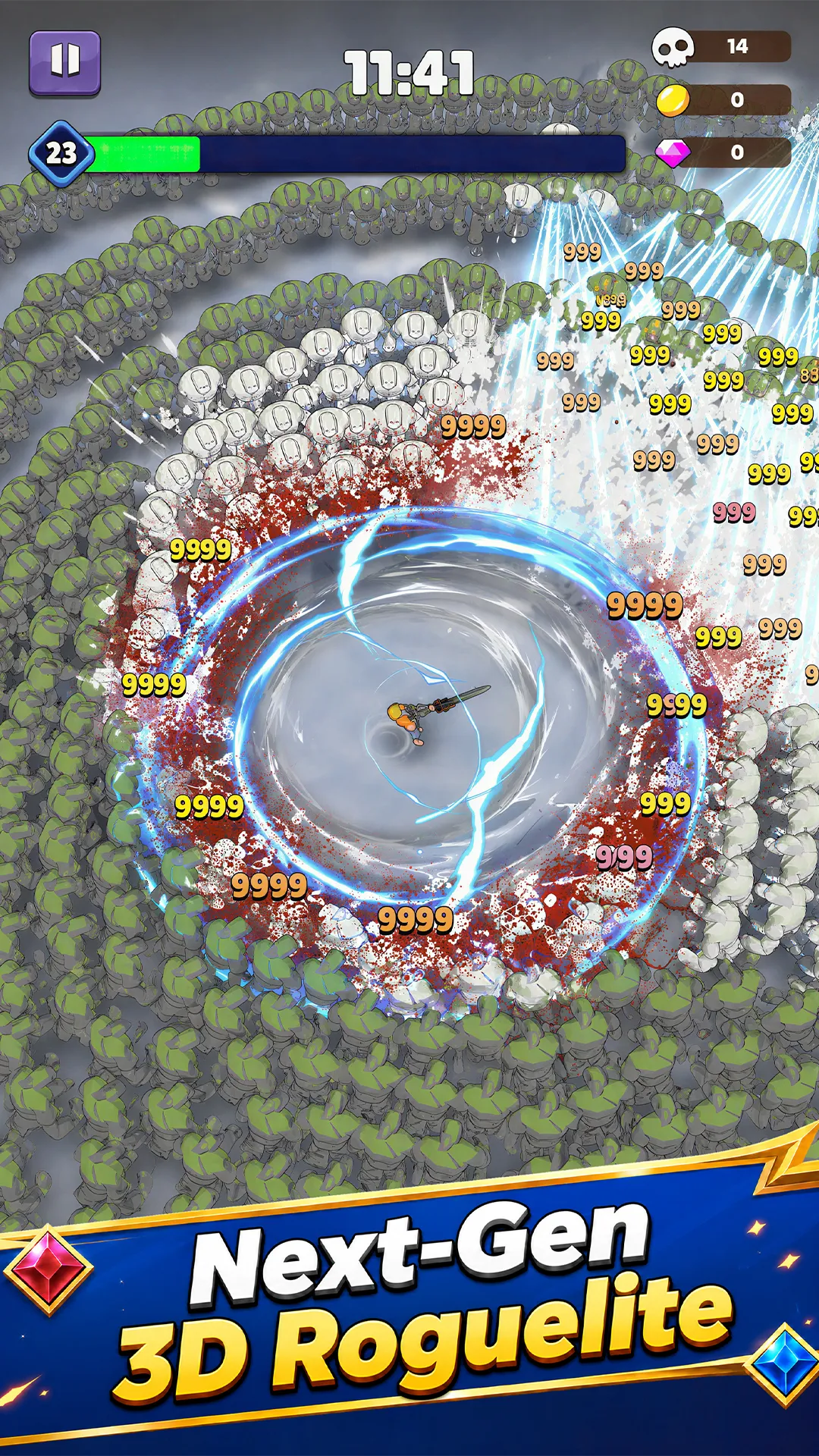
Use the screenshot as a visual identity check alongside the developer and package identifier. Searches also surface Fortnite survivor-squad advice and a different anime-styled game. For a result describing another publisher or package, resolve that identity before applying instructions from this page.
What a “mod download” installs
The VipMod Mythic Survivors listing ↗ (opens in a new tab) describes its download as the VipMod installer and mod launcher, with the game installed inside it. It lists Pixery and the same Android package identifier. That is an important extra installation step when comparing its download button with Google Play.
The provider advertises ad skipping, battle-speed changes and combat modifications. Several features are labelled VIP1. Its information panel lists version 1.0.15, while feature descriptions reference later builds. Treat those as provider claims with differing version scopes. We have not installed the launcher, inspected its binary, tested its modifications or checked save compatibility.
| Your goal | Route to inspect | Decision check |
|---|---|---|
| Install Pixery’s store release | Google Play or App Store above | Confirm developer, identifier and device compatibility. |
| Understand a VipMod download | Read the provider’s installation description | Expect a launcher step and check each feature’s VIP requirement and build scope. |
| Keep existing progress while changing installations | Check the current game’s account and recovery options first | Save transfer between these routes remains unverified here. Keep the working installation until recovery is confirmed. |
| Follow instructions for an anime game or Fortnite | Recheck publisher and package | Those instructions address a different entity. |
Before changing an existing installation
If your goal is simply to update, start with the store that supplied the existing copy. Record its version and your player ID. If a guide promises a fixed mod version, compare that version with both the downloaded product description and the installed game before treating its steps as applicable.
For an unavailable store listing, check the account’s region and the device requirements shown by that store. If the identity or recovery route is still unclear, use the support link on the Pixery Google Play listing ↗ (opens in a new tab) and include your device, operating system, version and exact symptom. An unavailable listing alone does not establish that a third-party package supports your device.
The store links above provide the install destinations. We have not verified a browser-play build or an iOS mod installation route. For progression after installing, the developer’s game wiki ↗ (opens in a new tab) is the next source to consult.
For in-run upgrades, use our evolution requirements and missing-pick checks.