Start with the right account and mode
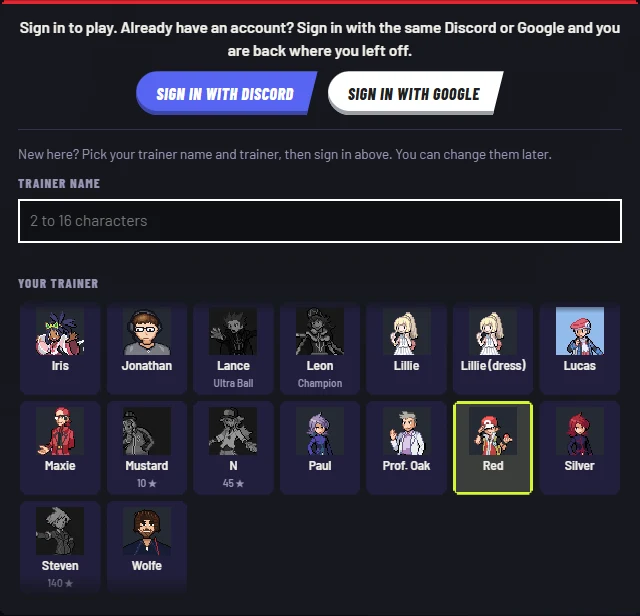
Start with an Easy practice battle to learn your team without risking rating. You will need to sign in before choosing your Pokémon and entering practice.
- Open the ranked subdomain. If you see a gallery of animated battles or a Masters Eight ballot, you are on the channel website, not the PB Ranked client.
- Check whether you are returning. Existing players should sign in with the same Discord or Google account. New players are prompted to pick a trainer name of 2–16 characters and a trainer before signing in. Some trainer choices show rating or star requirements; do not assume every portrait is available immediately.
- Read the help before queuing. The top-bar ? opens How battles work even on the sign-in screen. Use the controller icon to inspect current key bindings.
- After sign-in, prepare your team, then choose Practice vs bot → Easy. For the inspected 3v3 format, Your team shows three slots. Use the Pokémon list to fill your team and click a team member to inspect its moves. The practice chooser offers Easy, Casual, Normal, Hard and Hardest, with no rating on the line. Read the selected moves and try Auto before switching to Manual. Use Find battle when you intend to seek an opponent; practice is a separate button, not the Ranked/Unranked selector.
If you cannot reach the team screen, use the original client’s help or choose another browser game. PB Ranked requires sign-in; a guest route has not been verified.
Choose Auto, called moves or full Manual control
PB Ranked’s in-game help describes three control options. Try Auto first, then take over attacks or movement when you are ready.
| Your choice | What the client says it does | What to do next |
|---|---|---|
| Auto | Your Pokémon moves, dodges and chooses attacks itself. You can still call one of its four moves. | Watch cooldown and range. A glowing move button means ready and in range; a called move waits for the current attack to finish. |
| Auto movement, your attacks | Turning off Auto attacks for me keeps automatic movement and dodging, but attacks only when you call a move. | Look under your trainer settings after sign-in. This is a different choice from full Manual. |
| Manual | Press Auto to switch to Manual. You steer, call attacks and trigger Dodge yourself. | The inspected defaults show WASD movement, 1–4 moves and Space dodge. Read Controls if you change bindings. |
The help shows Z/X/C for bench switches and M for Mega Evolve or Greninja’s Battle Bond, when applicable. The client lists controller support and recommends landscape orientation on phones. Neither was tested on a physical device in our check.
Leaving the tab is not a pause. The help says your team keeps fighting if you leave a match, and you lose if you are absent when it ends. Do not use tab switching as a pause strategy.
Keep your account separate from other fan games
The project’s privacy notice says PB Ranked keeps your trainer, rating, win/loss record and matches on its server, while settings, teams and a sign-in code use your browser’s local storage. It describes Discord/Google sign-in as sharing an account ID, rather than giving the game your password.
Return using the same sign-in provider and account. Do not assume that PB Ranked, Poké Arena 2D, Apex Arena or PokeBonk share trainers, teams, saves or ratings. The project says ratings may reset at a season boundary and that the game can change or stop during development.
For account or game issues, use Report a problem in the original client, or PB Ranked developer email ↗. Do not send passwords or sign-in codes. Megabonk.org cannot recover an original-game account.
Which Pokémon battle project did you mean?
| Project | Recognize the destination | Use this route |
|---|---|---|
| PB Ranked | ranked.pokemonbattlegrounds.com; real-time browser battles from the animation channel. | Original-game launch above |
| Pokémon Battlegrounds channel | pokemonbattlegrounds.com; animated match gallery and voting, rather than the ranked client. | Pokémon Battlegrounds · channel website ↗ |
| Pokémon Apex Arena | pokemonapexarena.com; its creator explicitly describes a separate fan project inspired by the Battlegrounds videos. | Pokémon Apex Arena · separate project ↗ |
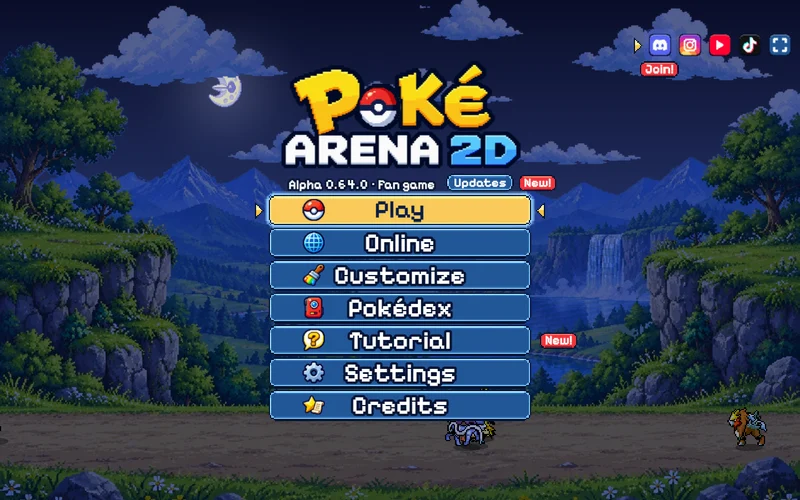
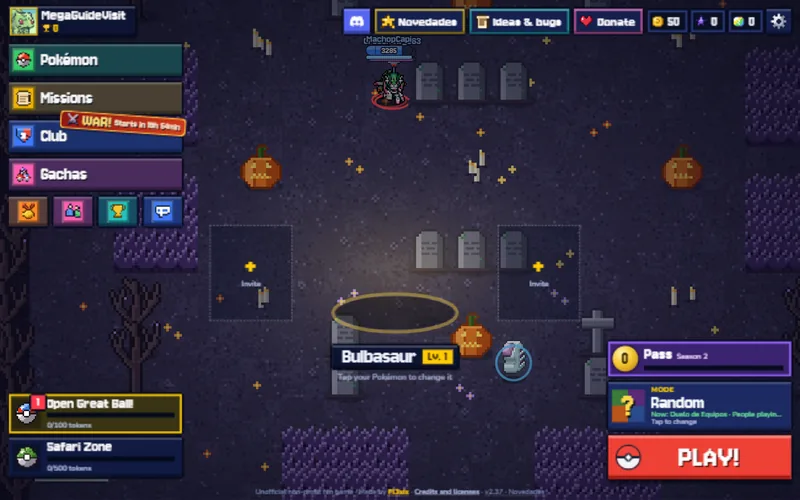
| Poké Arena 2D | pokearena2d.com; a separate arena game with its own Training setup, controls and progress. | Original game & Training guide |
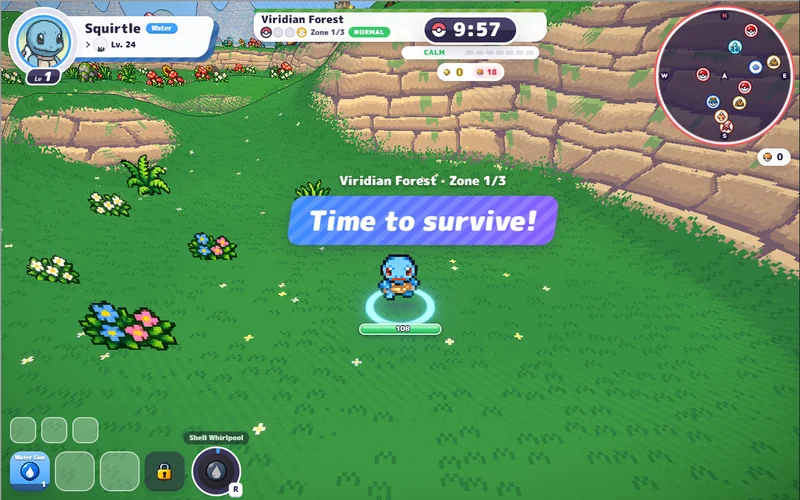
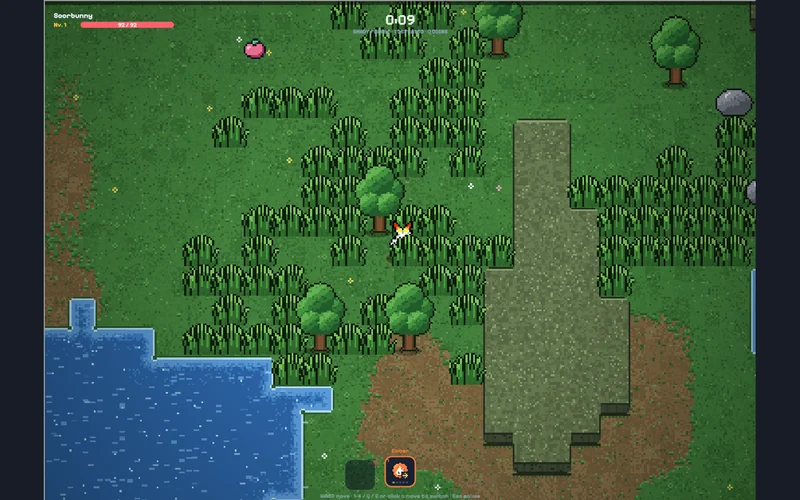
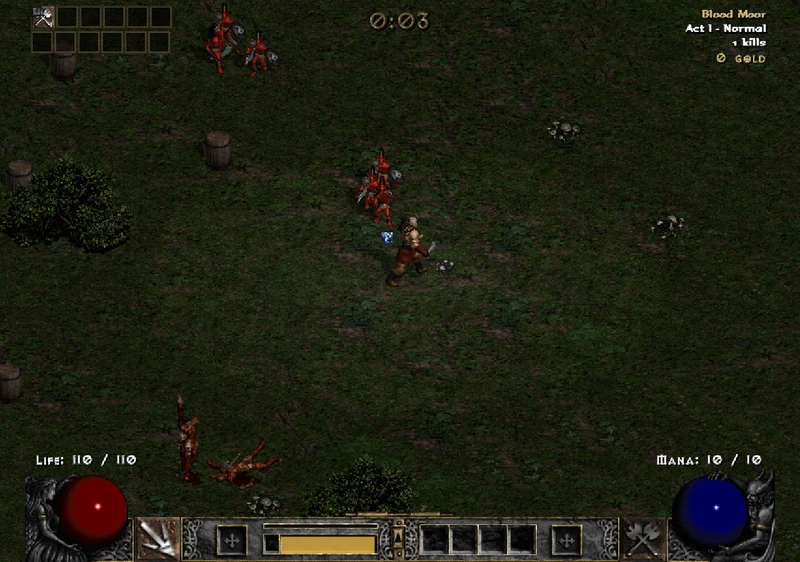
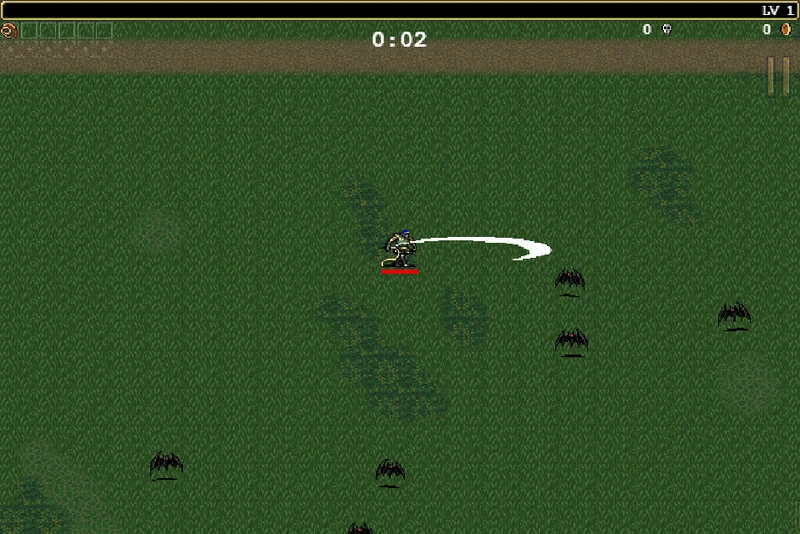
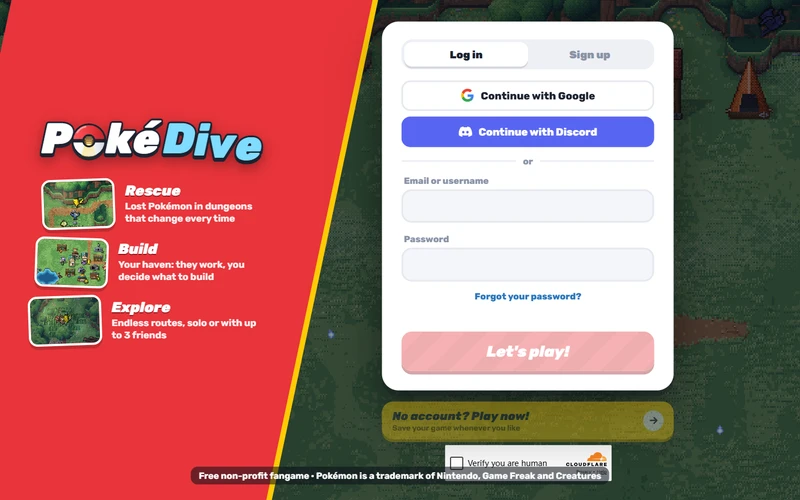
| PokeBonk / PokéSurvivor | Pokémon-themed survival games with hordes and run progression, rather than this ranked client. | PokeBonk · PokéSurvivor |
Apex Arena’s creator identifies it as a separate project inspired by the channel. Use the destination above to avoid following another game’s controls or account instructions.
Sources & checks
Checked 5 November 2026: sign-in, in-game help, team selection and an Easy practice battle through its result screen. Gameplay instructions follow the client’s help; competitive performance and account transfer were not tested. The development build showed no version number.
- PB Ranked ↗ — game entry, controls and practice options.
- Creator’s announcement ↗ — identifies the ranked game; 30 October 2026.
- PB Ranked privacy ↗ / terms ↗ — account storage and season resets; updated 1 November / 29 October 2026.
- Apex Arena ↗ — creator’s statement that it is a separate project.