Start on Aethus’s original site
- Use the original-game link above. Check that the destination is wow.aethus.pl.
- Keep that game tab open while its resources and world data prepare. Read any graphics-support message in the game.
- Choose your character and zone in the client. The beginner guide explains the version-labelled first-run choices.
- Click inside the game for keyboard focus and use its input settings. Keep the guide in this tab when you need help.
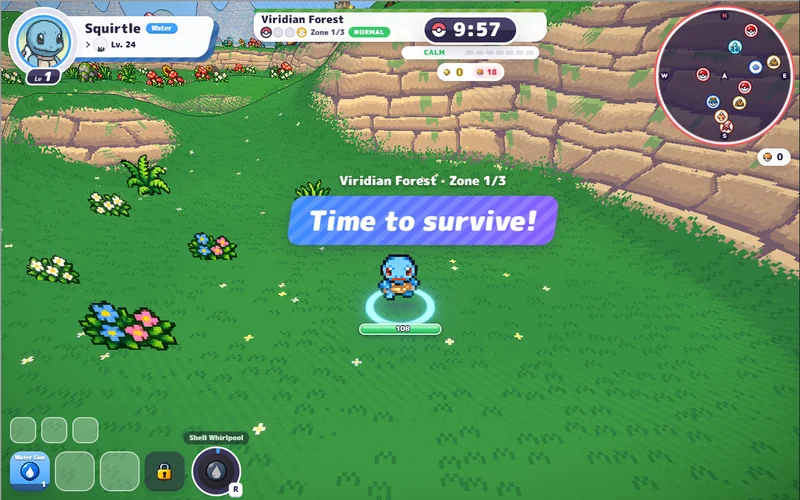
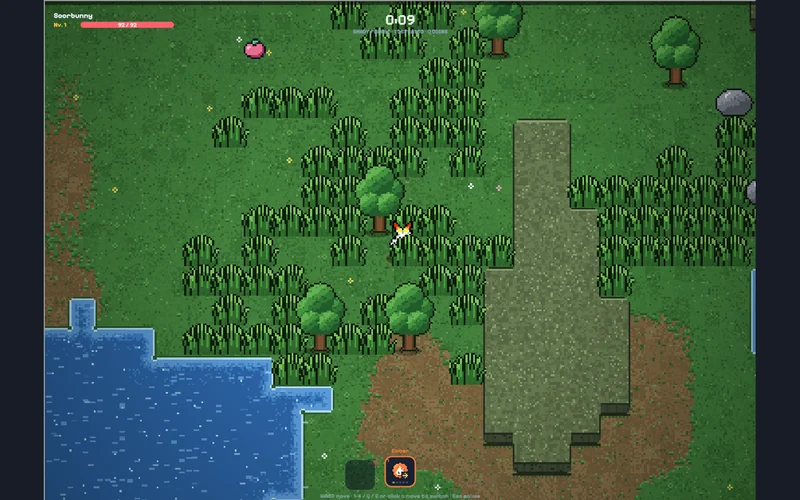
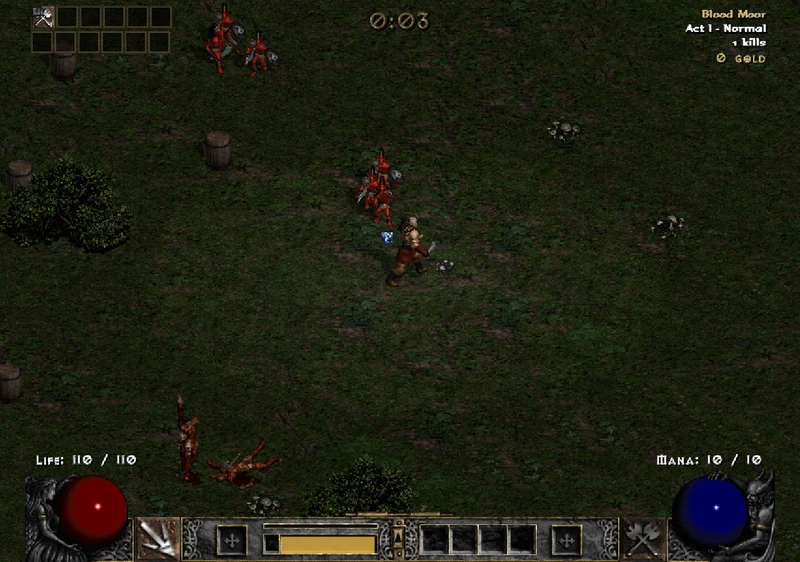
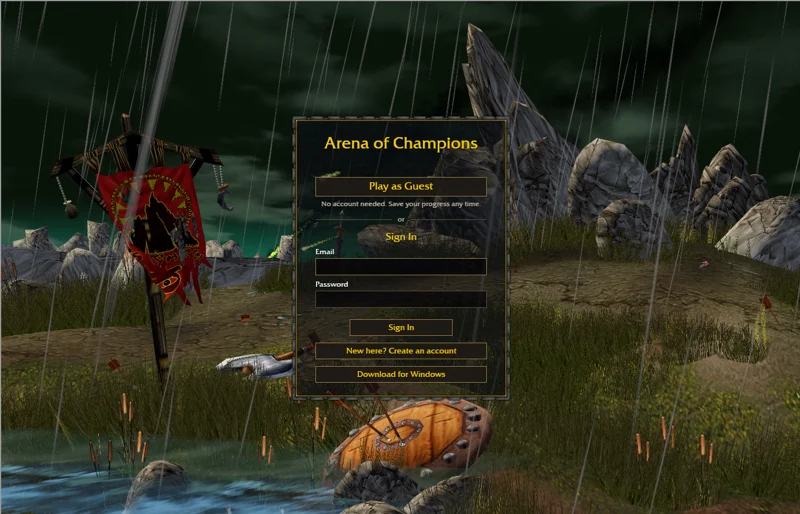
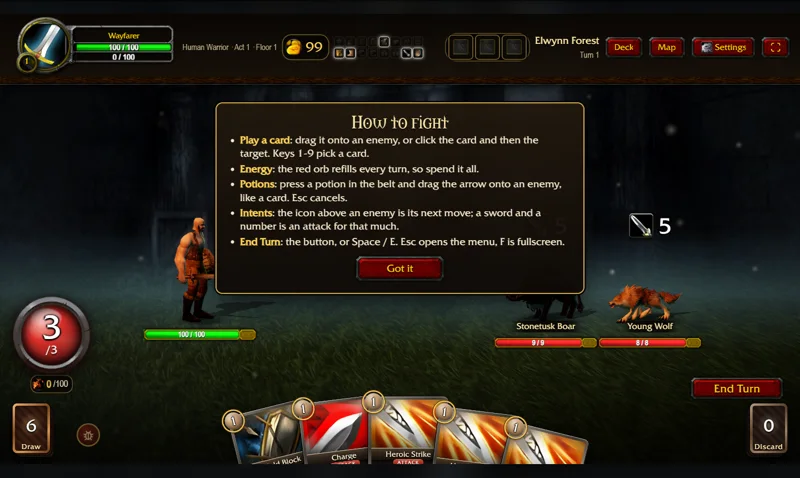
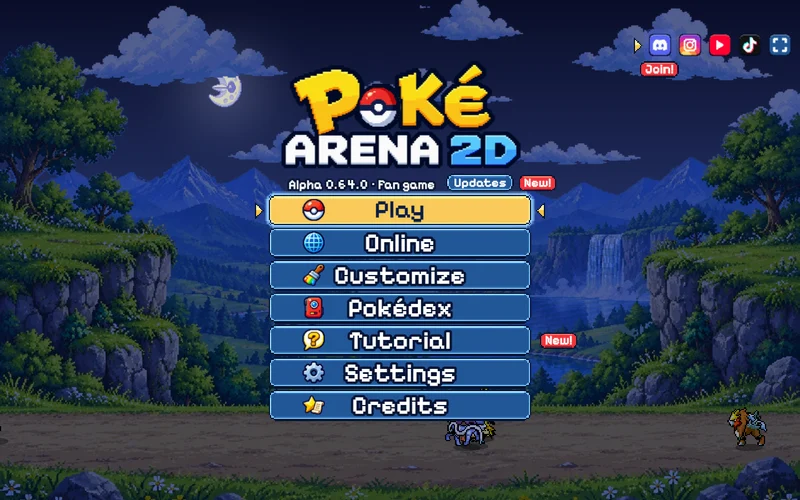
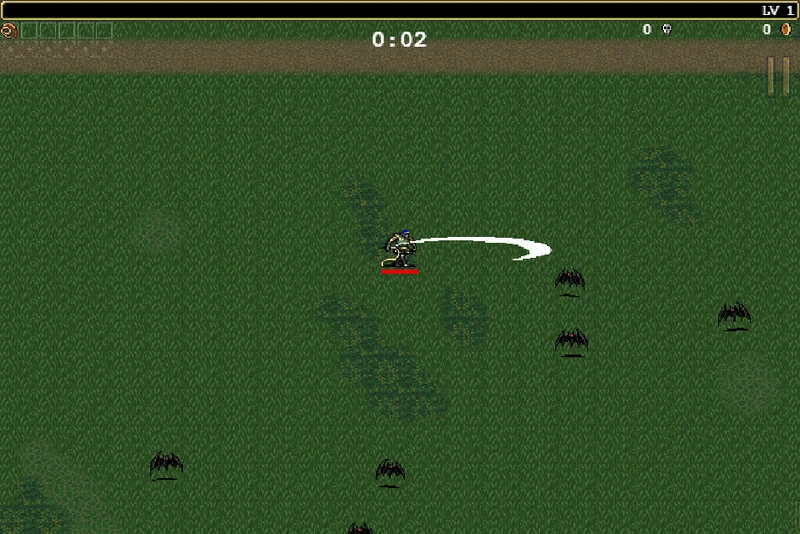
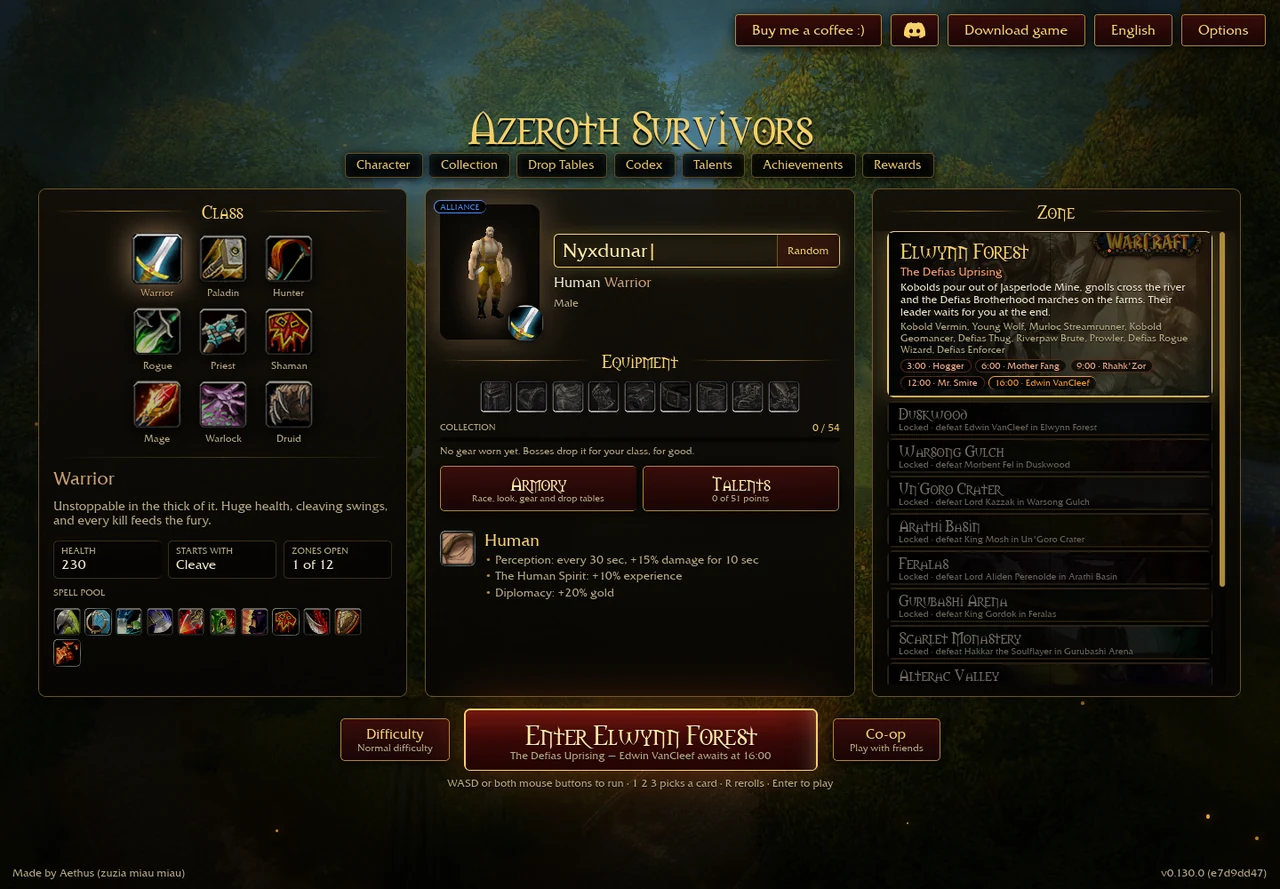
The original client checks its host and blocks third-party frames. Its entry therefore opens in a separate tab. The screenshot shows the original v0.130.0 menu captured on 30 October 2026.
Square text or empty spell pictures in the previous window?
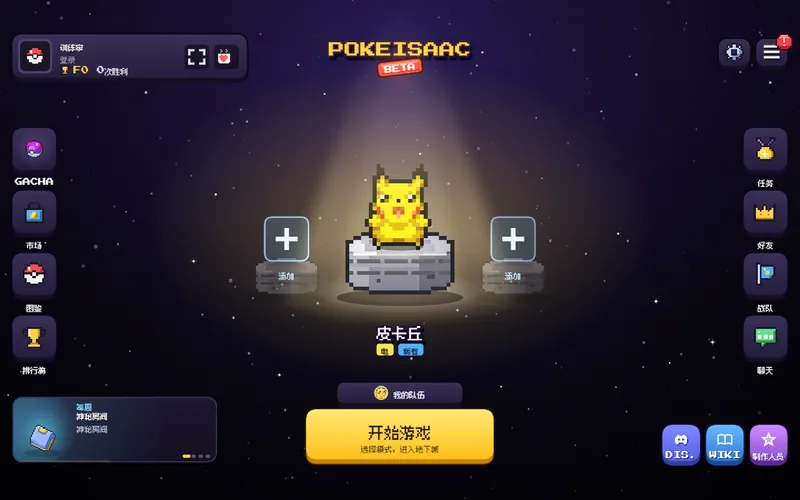
On 5 November 2026 a visitor reported square text and empty spell-card pictures in our former third-party game window. That provider’s startup page explicitly documents a client font without CJK glyphs, which can display Chinese text as boxes. Its page attempts to force English at boot. The exact cause of the empty spell pictures remains unconfirmed.
We retired that window and now direct the main Play entry to Aethus’s original site. The third-party client’s font and texture rendering remain outside this guide’s control.
If you need an old session, keep the same browser profile and host while backing it up. If its settings remain readable, try selecting English inside that client. Export progress before clearing site data or reinstalling anything.
Protect progress before changing hosts
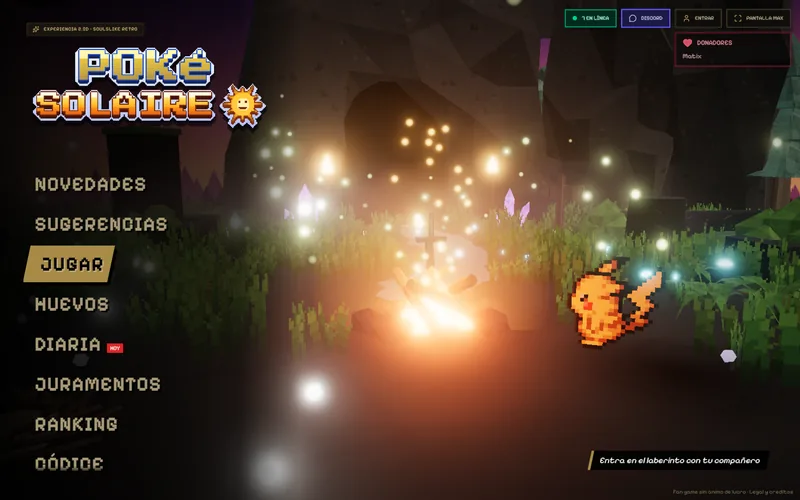
The former window used s.the-false-sun.com, a separate provider. Its menu displayed v0.90.0 on 31 October. Our original-client screenshot records v0.130.0 on 30 October. These historical captures do not establish current versions.
- Keep the old address, browser profile and existing site data. s.the-false-sun.com · old-host save recovery ↗ (external website, opens in a new tab) opens the former provider separately; the reported rendering fault may still occur.
- If that client offers a save export, keep an unchanged copy. We cannot read its cross-origin storage. A separate tab may have different storage access from a framed session.
- In the original client, use Options → Saves → Export Save to back up existing progress before trying an import.
- Import replaces progress. Keep both originals and check the original-game backup guide first. Transfer between these clients has not been verified.
Opening either external game connects to its provider and services. See the game-link privacy notice.
If the original game does not start
Read the client’s support message first. Its launcher checks WebGPU and device limits before booting. Our startup troubleshooting separates graphics support, preparation and save issues.
Allow initial world-data preparation to finish. Repeated reloads start a new page session. Keep the actual game tab open during play and use its own pause control before switching away.
For phones, graphics support, touch controls and persistent storage are separate checks. See browser and mobile requirements or platform choices. Responsive-page checks do not establish physical-phone compatibility or a full gameplay session.
Sources & checks
- Aethus · original launcher source ↗ (external website, opens in a new tab) · Original-host, WebGPU and startup checks, 5 Nov 2026.
- s.the-false-sun.com · former game host ↗ (external website, opens in a new tab) · Former host documents missing CJK glyphs, 5 Nov 2026; v0.90.0 menu captured 31 Oct. Missing-icon cause unresolved.
- Aethus · original game ↗ (external website, opens in a new tab) · Original character menu, v0.130.0, 30 Oct 2026; not the current gameplay version.