
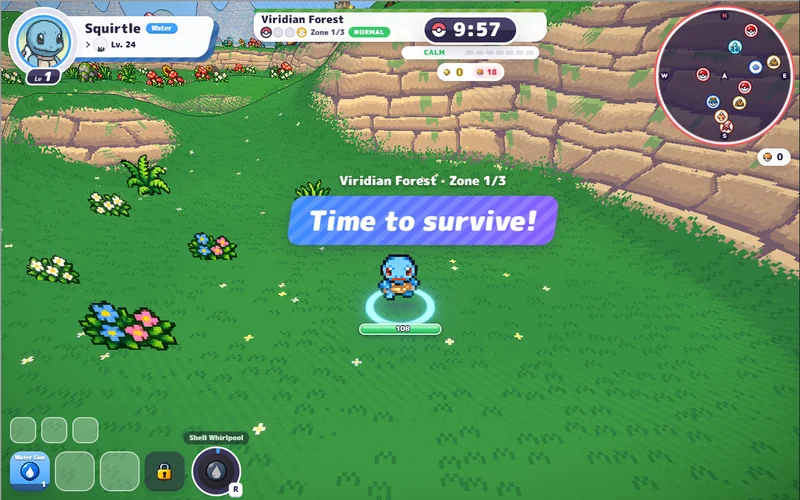
PokeBonk
Pick a partner and take on a 3D forest full of wild Pokémon.
Play PokeBonkA WARCRAFT-INSPIRED CARD ROGUELIKE · UNOFFICIAL GUIDE
Draft familiar spells. Read the enemy's next move. Climb a spire one turn at a time.
A free browser deckbuilder with nine Classic WoW classes, equipment and raid bosses. This is turn-based card combat, separate from Azeroth Survivors' automatic-spell survival runs.
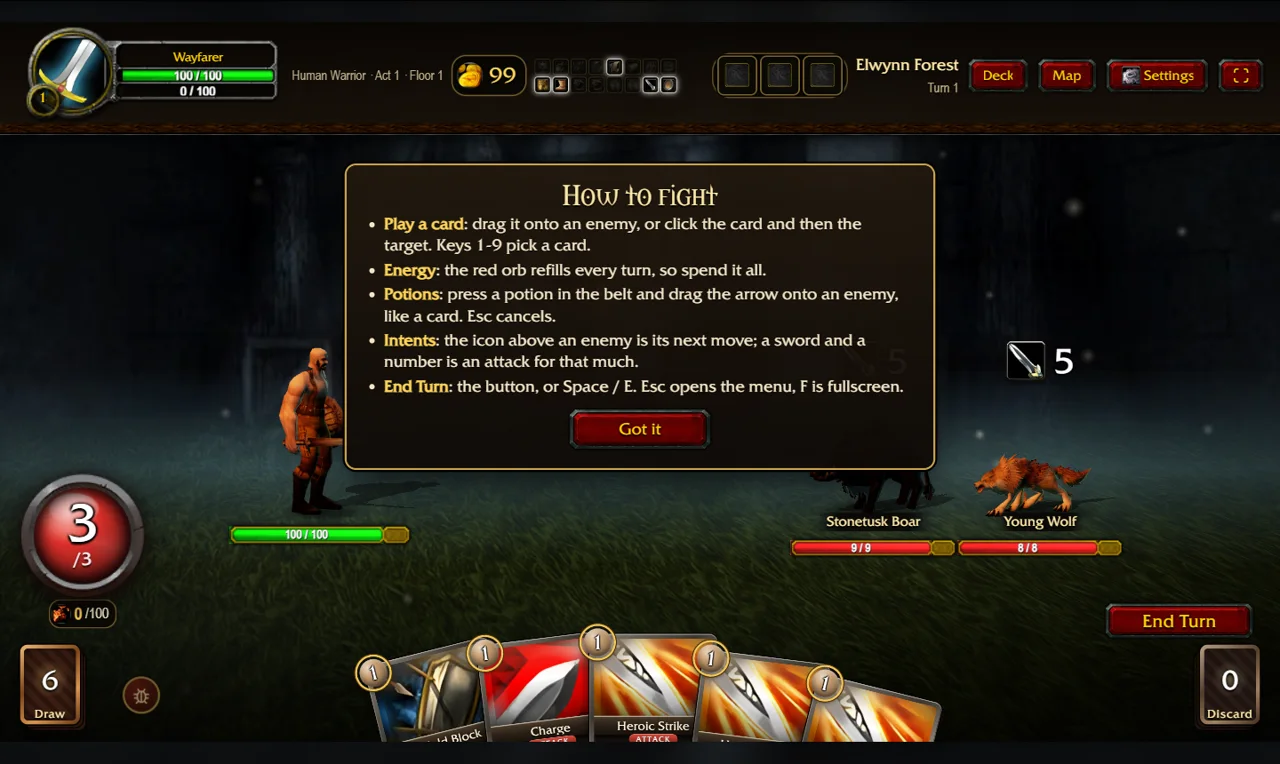
Classic spells. A different hand every turn.
Click to load the original at thewowdb.com.
No game account required for solo play.
YOUR NEXT GAME
Choose another browser game and find its play or starting guide.
Pick a partner and take on a 3D forest full of wild Pokémon.
Play PokeBonk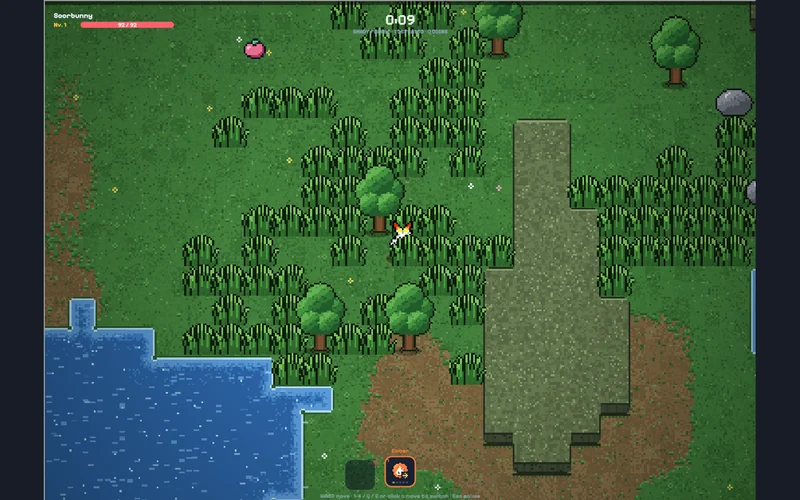
Dodge a pixel-art horde and switch attacks as your run develops.
Play PokéSurvivor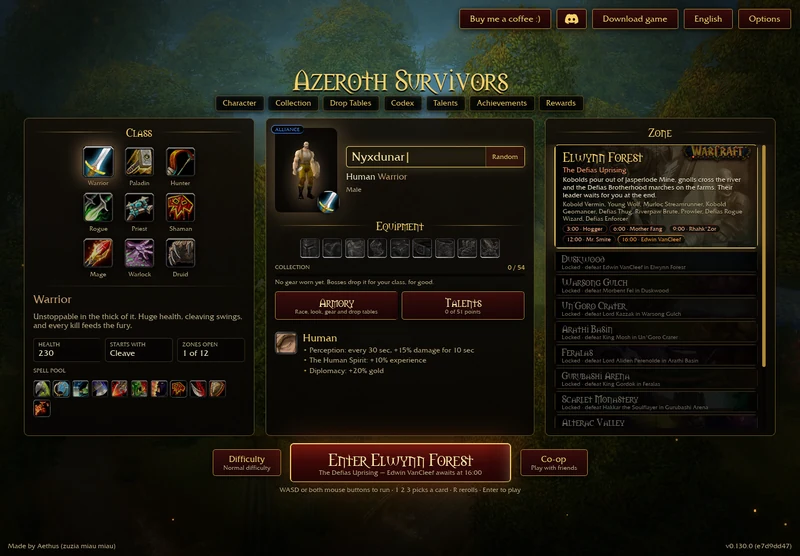
Open the original Warcraft-inspired survivors game in a new tab, with startup and save help.
Open original-game entry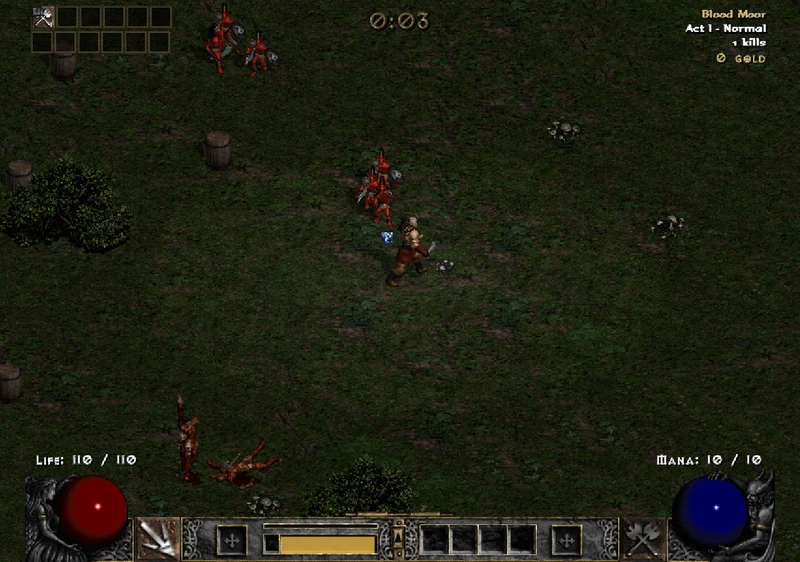
Choose a Diablo II hero and survive with automatic skills and loot.
Play D2 Survivors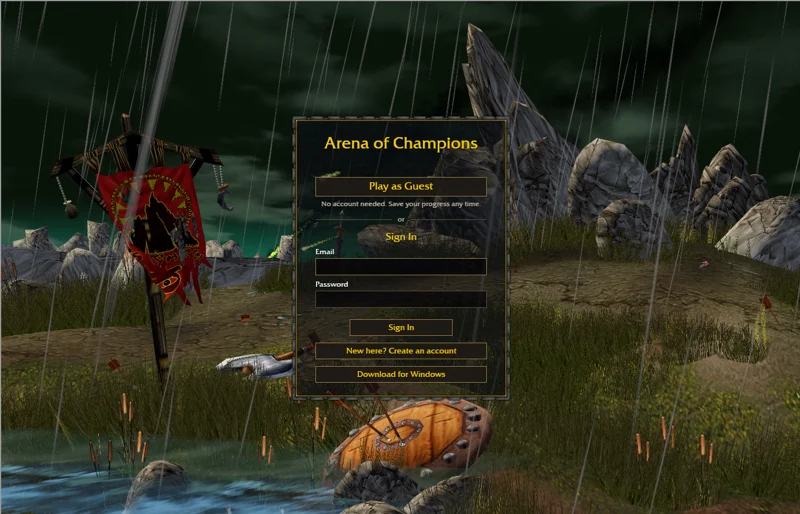
Try manually controlled Warcraft-inspired arena PvP. Desktop keyboard and mouse recommended.
Play Arena of Champions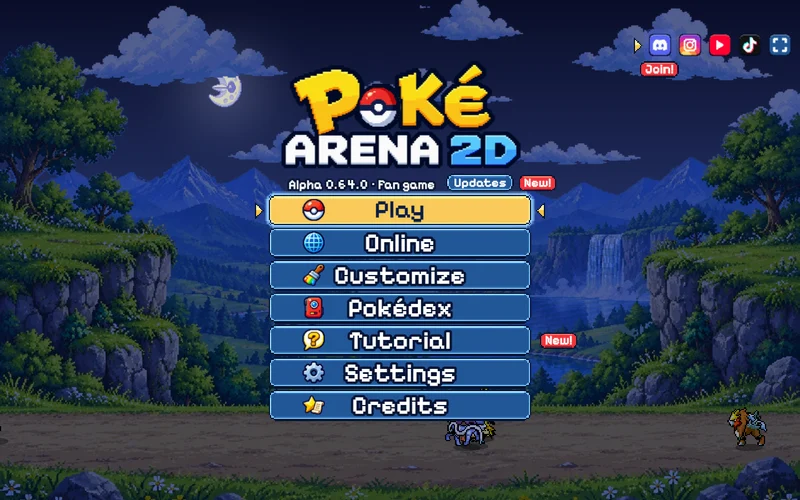
Real-time Pokémon battles. Our start guide opens the game on its original site.
Original game & start guide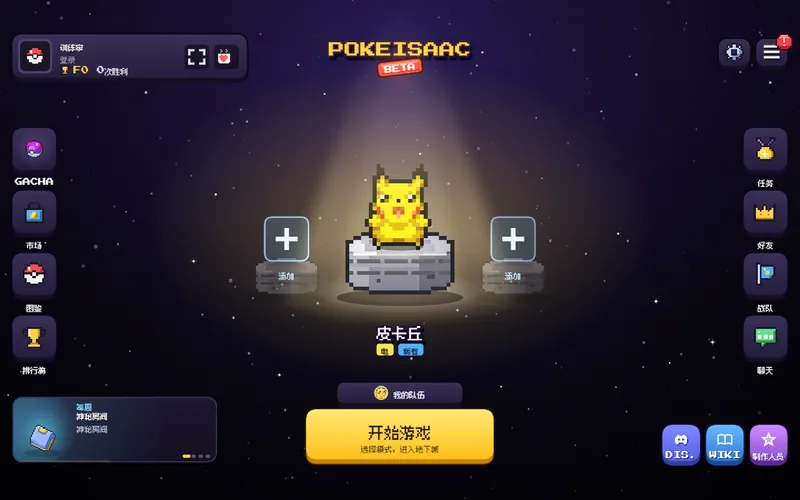
Isaac-style rooms and items with Pokémon shots. Play the original in a click-loaded window.
Play original & start guide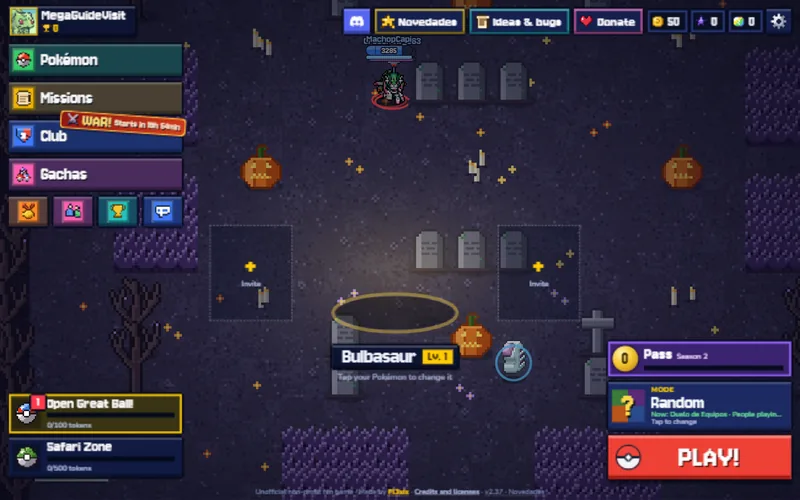
3v3 Pokémon brawler with mode rotations and a 10-player Toxic Fog. Play the original in a click-loaded window.
Play original & start guide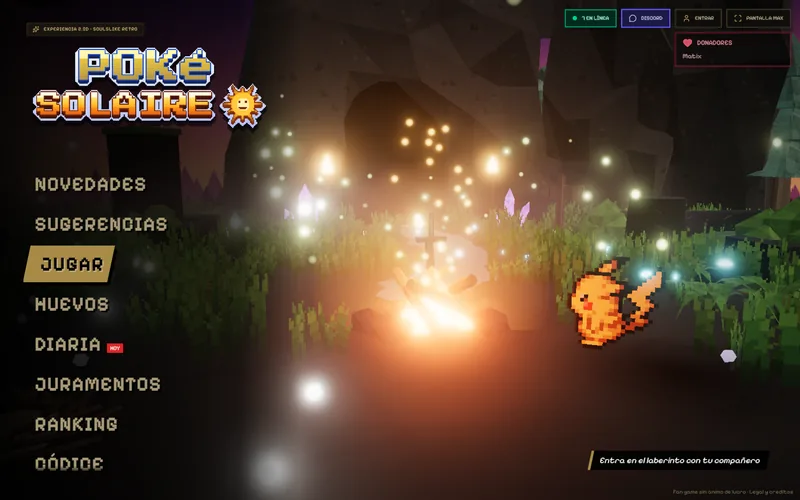
2.5D soulslike Pokémon roguelike: dodge, parry and climb a labyrinth that keeps hardening. Play the original in a click-loaded window.
Play original & start guide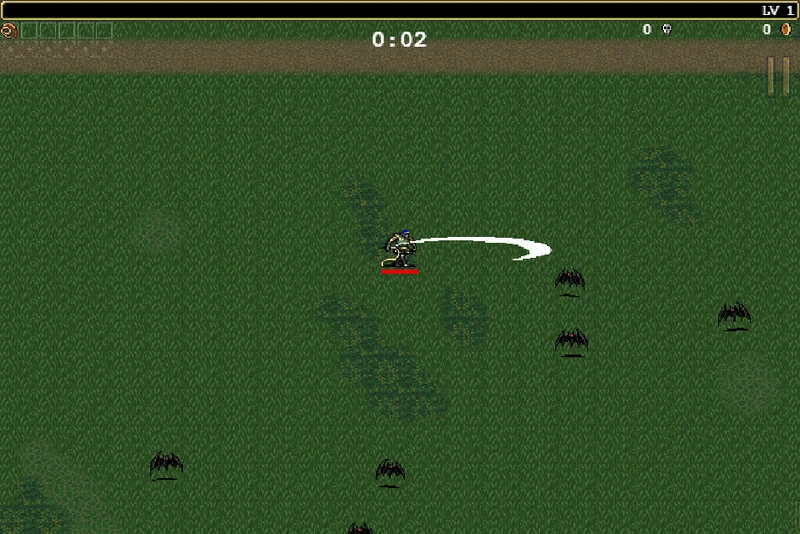
Try the original older browser sample; the guide opens poncle’s itch.io page in a new tab.
Open original-demo guide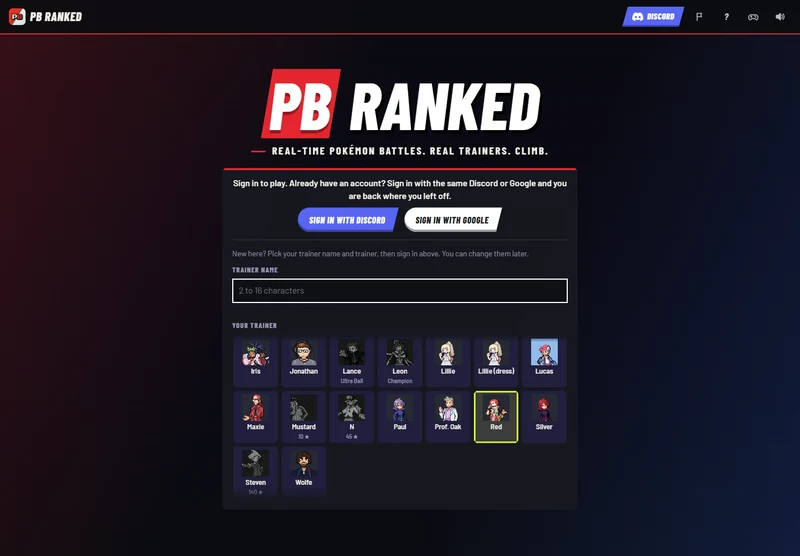
Find PB Ranked on its original site. Check sign-in and Auto/Manual before battling.
Original game & sign-in guide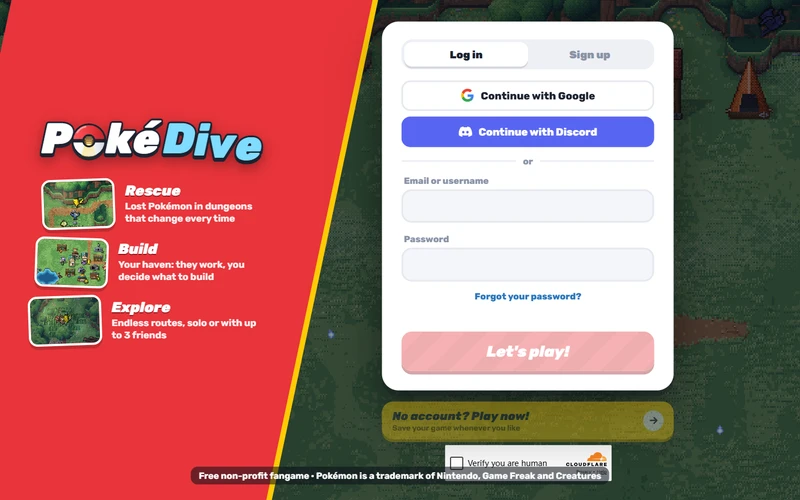
Dungeon rescues and village building. The guide opens the original site in a new tab.
Original site & starting checksSpires of Azeroth combines a branching roguelike climb with Warcraft-inspired spells and enemies. You choose a class, draft cards as the run develops, equip gear and tackle the bosses of each spire. Your hand and resources constrain what you can do this turn; clicking End Turn lets the enemies act. It is a fan game, not Blizzard's MMO or an expansion for Slay the Spire.
The author lists nine classes and 40 Classic zones. That is the project's advertised scope, not a claim that we cleared every zone. Browser build 20261103e was inspected on 4 November 2026; desktop releases have their own version numbers. (GitHub · Chrisl252/spiresofazeroth ↗ (external website, opens in a new tab))
This starting path was checked in the original browser interface on 4 November. It is not a full-clear route or a strongest-class recommendation.
| Task | Mouse / keyboard | Check before acting |
|---|---|---|
| Inspect a card | Hover a card; use the enlarged description | Cost, target and any keyword conditions |
| Play a card | Drag onto its target, or select the card and then its target | A card needing an enemy cannot target empty space |
| Finish your turn | End Turn button | Unspent resources and the enemy's next action |
| Pause / settings | Game Settings control or Esc | Pause inside the game before hiding the outer frame |
| Enlarge this window | Expand game above | Exit expanded view to return to this guide |
Prefer the visible buttons while learning. The game also has keyboard and controller support, but bindings and touch behavior can change. On a narrow screen, expand the game or use a landscape view; this is not a physical-phone compatibility guarantee. (TheWoWDB · browser source ↗ (external website, opens in a new tab))
All nine Classic class names appear in the project: Warrior, Paladin, Hunter, Rogue, Priest, Shaman, Mage, Warlock and Druid. Their card themes differ: Warrior uses stances and rage; Rogue builds and spends combo points; Druid changes forms; Mage offers Frost, Fire and Arcane spells. These are identity cues from the author's description, not a power ranking. Read the chosen class's starter deck in the game before committing.
Equipment and talents add another layer to the climb. Do not copy an Azeroth Survivors talent allocation into this game: matching spell names do not make the rules or saves interchangeable. Compare the game identities →.
Want an app? Choose Windows, macOS, Linux, Android or the iOS browser route. The author's desktop packages need the internet on first use and do not automatically share your browser progress.
Blank or stalled game? Allow resources to load, then try TheWoWDB · original in its own tab ↗ (external website, opens in a new tab). Note the host, displayed build and exact error. Do not clear site data as a first step: it can remove progress. An external game outage cannot be repaired by refreshing this guide.
Returning to a run? Use the same host and browser profile and look for Continue run in the game. Before switching versions, use its own save export where available and keep both source and destination backups. We have not verified cross-platform imports, co-op completion or every browser.