
Death Recap: inspect incoming damage before changing DPS
Current v0.130.0 client text adds Death Recap with the fatal attacker, overkill, recent incoming damage, absorbed damage, final blows and source breakdown. The avoidable-mechanic share answers a different question from an outgoing DPS meter. We inspected the labels, not a completed death-screen combat test.[1]
- Read Killed by and the fatal blow first; overkill tells you how far the final hit passed your remaining health.
- Inspect recent sources and absorbed damage. A large final hit can arrive after earlier damage left too little health.
- Check the avoidable-mechanic share. If positioning dominates the explanation, another damage upgrade alone may not fix the failure.
- Change one relevant defensive, movement or damage choice and compare the next similar attempt.
Absorbed damage is not missing DPS, and a low outgoing total does not prove why the character died. No exact lethal-window duration or source percentage is invented here. Check difficulty and healing penalties →[1]
Start with the built-in meter
- Open Options and find Show Damage Meter in the HUD/interface settings.
- Enable it, then use the meter’s minimap button or window.
- Adjust HUD Scale if it is too small; Damage Meter on Top controls whether it stays over upgrade cards.
- Select the view that matches the question: total damage, healing, boss damage or party output.
Client messages include “No damage yet”, “No healing yet” and “Only in a party”. An empty view before its relevant event is not by itself an addon failure. [1]
Choose a measurement window
| Question | Useful view/window | Keep constant |
|---|---|---|
| Did this change improve recent wave clear? | A recent DPS window | Compare the same minute, difficulty and starting investment. |
| What dealt the most across the run? | Whole-run damage/share | Run duration; a longer attempt has more time to accumulate damage. |
| What reached the boss? | Boss view | The same boss and similar gear/talents. |
| Which effect created a proc’s damage? | Per-spell row and proc breakdown | The addon version and grouping method. |
kex0 documents a default ten-second window, configurable settings and a “Since the start” average. The author also groups proc damage under the spell actually cast; a different row label can reflect attribution rather than missing damage. [2]
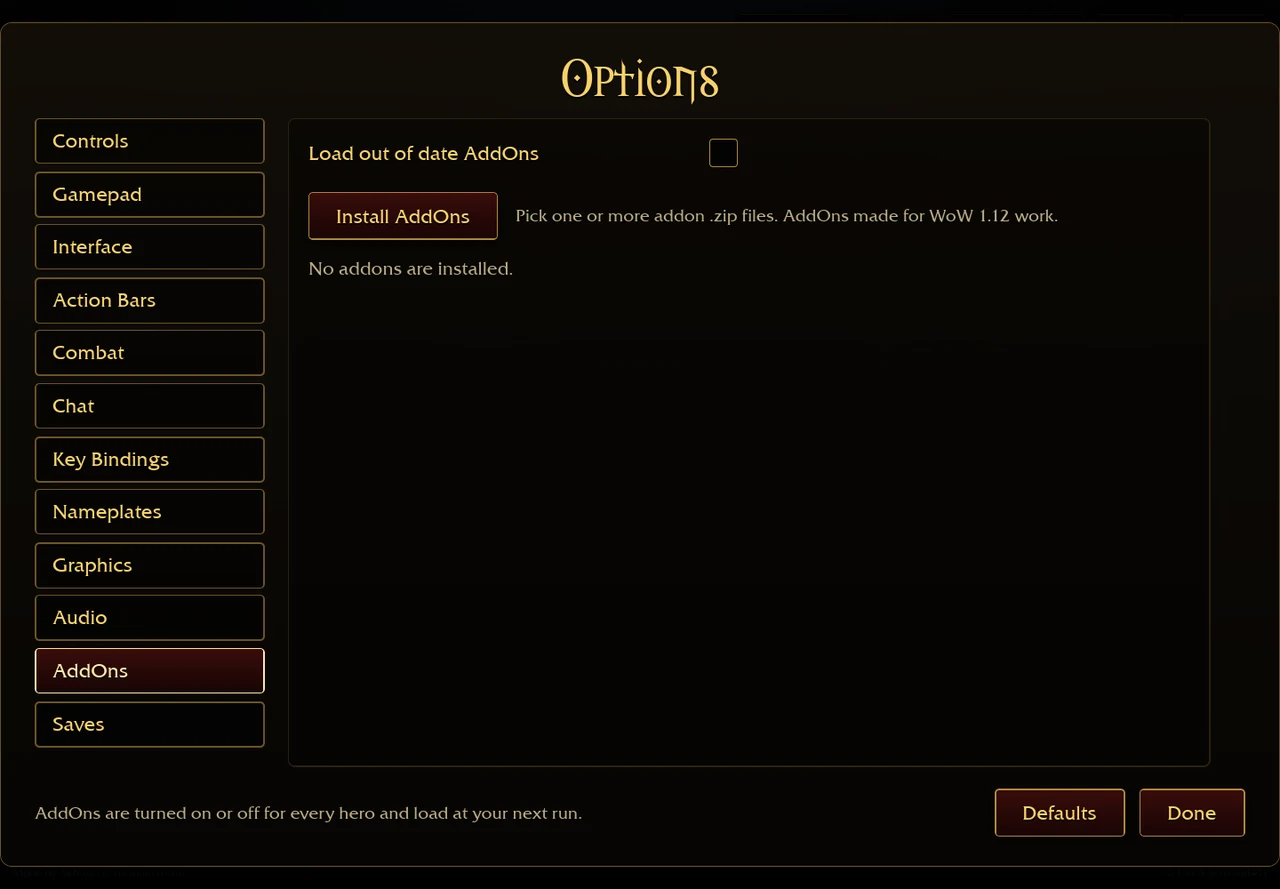
When using AZS Spell Meter
Install the author’s addon → first. Commands documented by the author are /azsm to show/hide, /azsm resetpos to restore position and /azsm lock to lock dragging. The title-bar settings control the DPS window and columns. While an addon window is open, its author says the built-in Damage Done meter is hidden; closing all addon views restores it if it was enabled. [2]
Do not promote one number into a tier list
Record class, capstone, zone, difficulty, permanent gear and time before comparing two readings. A kill-triggered build in a dense wave and a shield build against a lone boss are not the same experiment. An impressive screenshot does not establish the best class for a fresh save. Check each build’s trigger →
The author reports v1.32 tested with game 0.123.0. We inspected the original 0.127.0 text, but have not run a compatibility benchmark with that addon; check the latest author release if a view behaves differently. [2]
Can DoTs crit? Separate a tick from a triggered attack
We have not verified a universal yes or no for independent damage-over-time tick critical rolls in the original game. The inspected talent text establishes narrower interactions: a critical hit can create a bleed, and a periodic tick can trigger a separate spell. Neither observation alone proves that the tick itself rolled a critical strike. [1]
| Observation | What the inspected text establishes | What it does not establish |
|---|---|---|
| A critical strike creates a bleed | The initiating hit supplies a damage basis for the bleed. | That each later tick rolls another independent critical strike. |
| Corruption triggers Nightfall | A tick can trigger a free Shadow Bolt under that talent’s condition. | That the Shadow Bolt is a critical Corruption tick. |
| Shadow Word: Pain triggers an apparition | The talent can create a separate Mind Blast. | That the extra hit is the original periodic tick critting. |


When comparing a recording or meter, record the exact host, client version, spell, talents and addon attribution. Separate direct hits and triggered spells from periodic events. A larger total, floating number or combined spell row is insufficient to answer the tick-roll question. Until a versioned combat trace or code check resolves it, do not choose a critical-only item on the assumption that every DoT independently crits. This is an evidence limit, not proof that DoTs never crit. [1]
Sources & checks
Warcraft artwork © Blizzard Entertainment.
- Aethus · original game ↗ (external website, opens in a new tab) · Original combat/menu context, v0.127.0–0.130.0, 29–30 Oct 2026.
- kex0 · AZS Spell Meter ↗ (external website, opens in a new tab) · README inspected 29 October 2026; v1.32 author-reported test on game 0.123.0. Commands and DPS windows are author documentation, not our current-patch test.